


AI Scribe for AdvancedMD
Your AdvancedMD appointments appear in Commure Scribe. After the visit, the note lands in the sections of your own AdvancedMD template.


Last updated November 12, 2026

Trusted by 75,000+ Clinicians Across All Specialties


Your AdvancedMD schedule comes in and your note goes back
Commure Scribe works from the appointments already on your AdvancedMD schedule, so each note stays tied to the right visit.
01
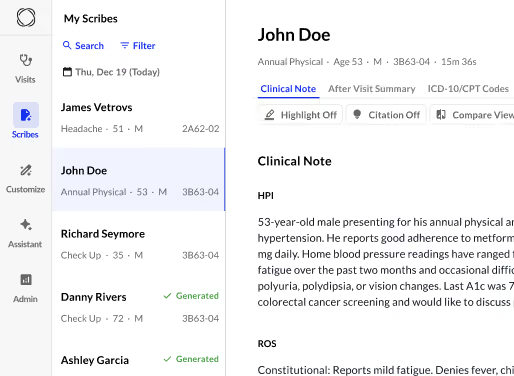
Open Visits.
Your AdvancedMD appointments appear in Commure Scribe on the web and in the mobile app.
02
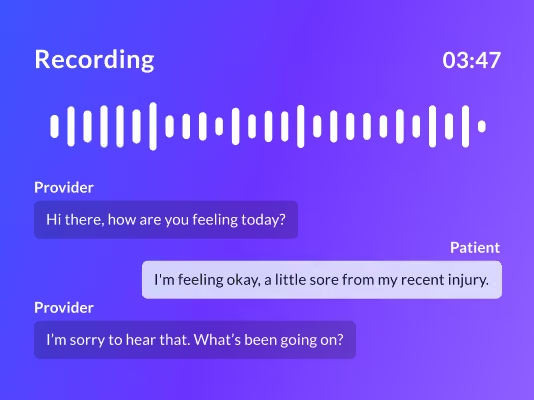
Record the visit.
Commure Scribe listens in the room or on telehealth and drafts the note in your template when the visit ends.
03
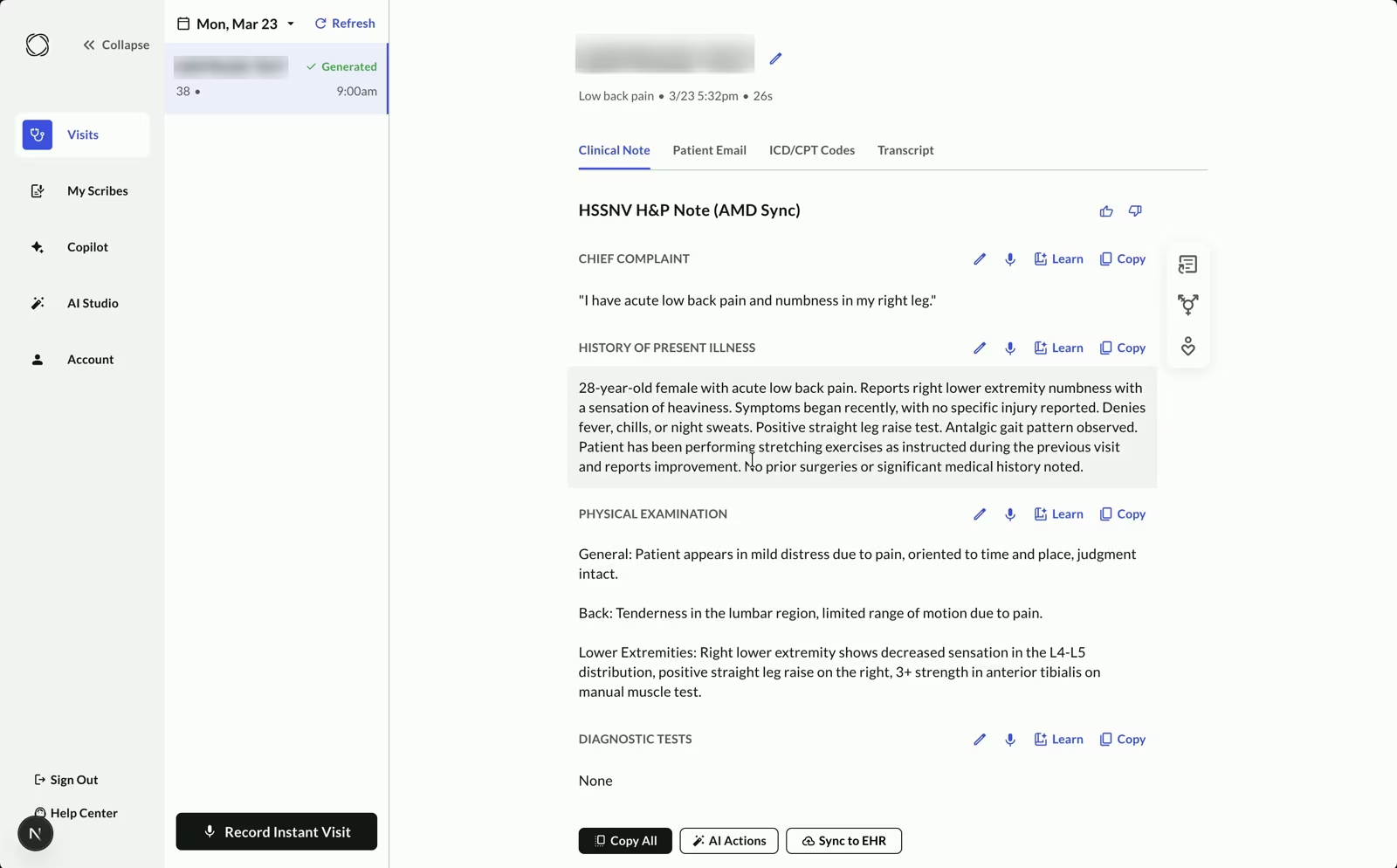
Review and send.
Edit the note, then select Sync to EHR. If your practice uses automatic sync, the note goes to AdvancedMD on its own.
04
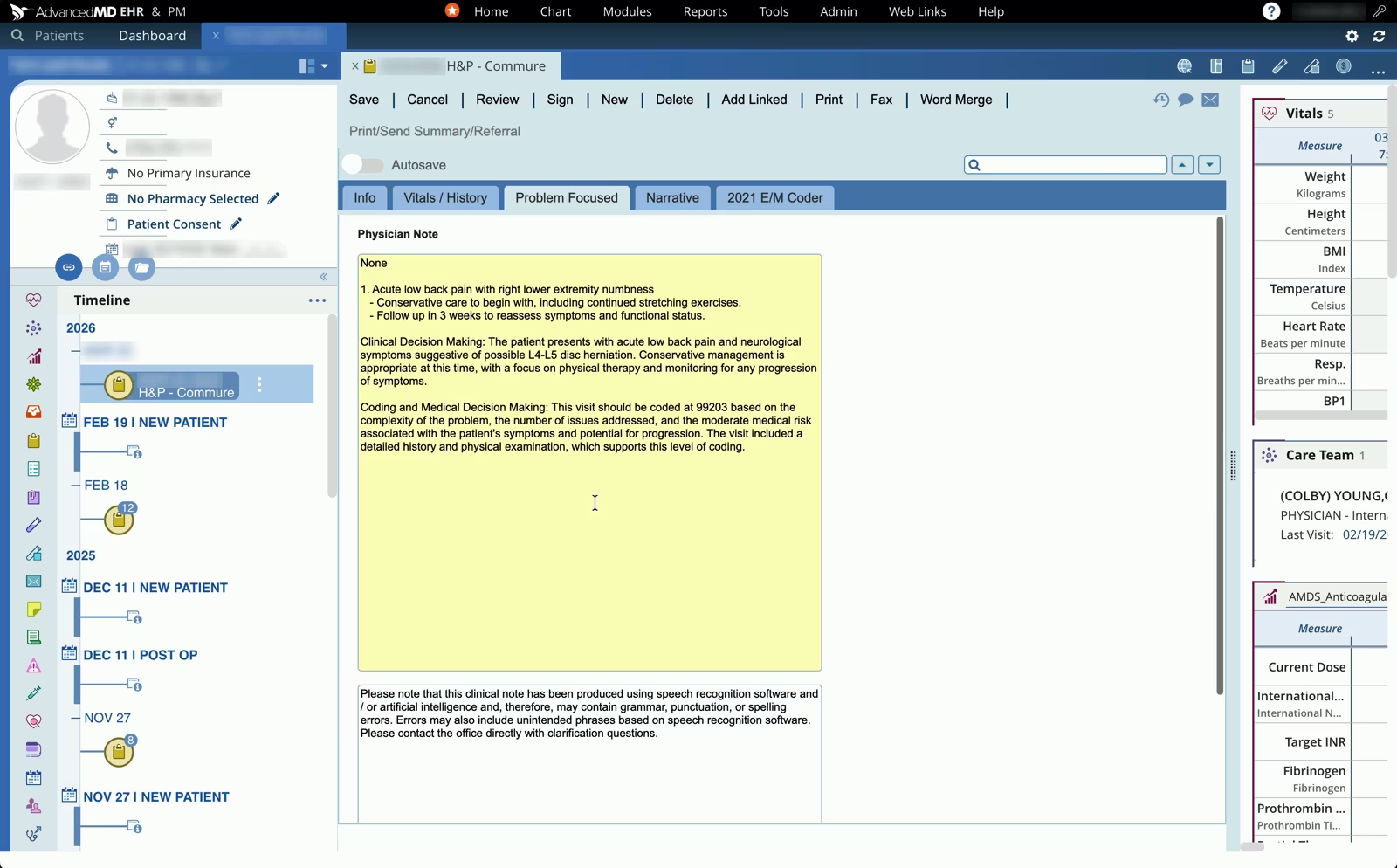
Find it in AdvancedMD.
The note appears in the template sections listed below.
Your note lands in the AdvancedMD sections you already use
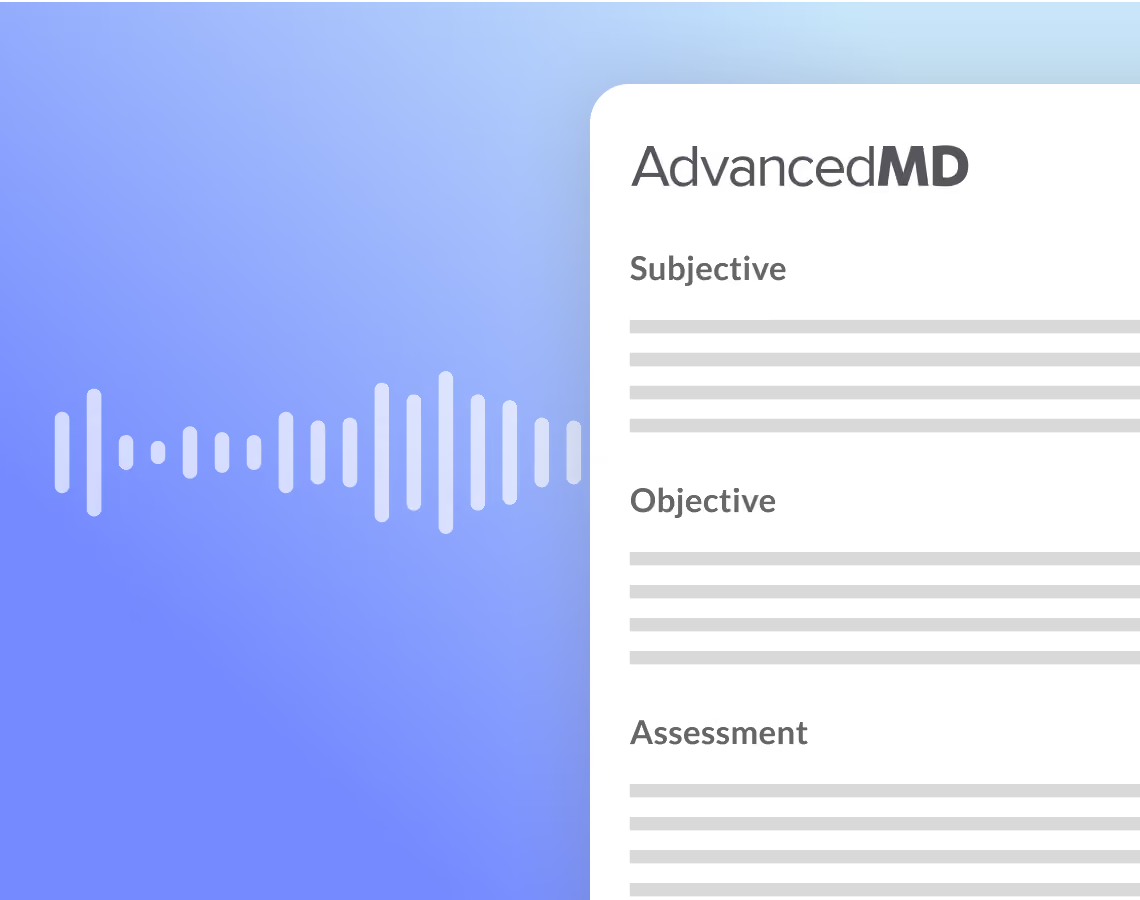
Commure Scribe writes the note into the titled text boxes of your AdvancedMD note template.
Onboarding matches each part of the note to a section of your template. History, allergies and medications arrive as note text, so your structured allergy and medication lists stay as they are.
You focus on your patients. Commure Scribe handles the paperwork.
2+hours
Continuous recording time
43s
Chart closing time
90%
Providers spend less time on documentation
91%
Providers report less fatigue
Codes are suggested for you to review
Commure Scribe suggests ICD-10 and CPT codes from the visit and shows them in a separate tab, so you decide which ones to use.

Getting set up with AdvancedMD
Start with a free trial, or talk to sales about adding the AdvancedMD integration for your group practice.
01
Start your trial
Start a free trial, or talk to sales about the AdvancedMD integration.

02
Connect your account
Our onboarding team connects Commure Scribe to your AdvancedMD account and matches your template.
03
Send your first note
Your appointments appear in Visits, and your first note goes to AdvancedMD.
Does AdvancedMD have its own AI scribe?
AdvancedMD offers AI Clinical Assistant, which records the visit, drafts five note types and saves to the chart after the provider approves. It is built into the AdvancedMD EHR, and the 2026 Summer Release brought it to the AdvancedMD mobile app.
Supports every clinician, specialty and practice size
From small practices to large health systems, from family medicine to psychiatry - Commure Scribe adapts to how you like to practice


What providers say about Commure Scribe


Security for the handoff
Commure is SOC 2 Type 2 attested. Security reports and data handling details are on trust.commure.com.

SOC 2 Type 2
Commure is SOC 2 Type 2 attested.

HIPAA compliant
Security and privacy for clinical documentation.
Trust Center
Review security reports and data handling details at trust.commure.com.
Commure Scribe works with other EHRs
Commure Scribe also integrates with these EHRs for group practices.



Questions about Commure Scribe and AdvancedMD
Your AdvancedMD appointments appear in Commure Scribe, and after the visit the note goes to the titled sections of your AdvancedMD template. Review the note and select Sync to EHR, or let it send on its own if your practice uses automatic sync.
An AI scribe for AdvancedMD listens to the visit and drafts a note for the provider to review, edit and sign. With Commure Scribe, the reviewed note goes into the matching sections of your AdvancedMD template.
Commure Scribe writes to the titled sections of your own AdvancedMD template, matched during onboarding.
AI Clinical Assistant is built into AdvancedMD, drafts five note types and saves to the chart after you approve. Commure Scribe offers specialty templates with a custom template builder and suggests ICD-10 and CPT codes in a separate tab.
Medication and allergy details arrive as text in the note, and your structured lists stay as they are.
Appointments from your AdvancedMD schedule appear in Visits in Commure Scribe, on the web and in the mobile app. Pick the visit and record it, and the note stays tied to that appointment.
Commure Scribe records the telehealth visit through your device microphone and drafts the note when the visit ends. The note goes to your AdvancedMD template the same way as an in-person visit.
Group practices get the AdvancedMD integration, which sends the reviewed note to AdvancedMD with one-click sync. Independent and small practices copy and paste the finished note into AdvancedMD, and a Chrome extension overlay that sits over AdvancedMD can carry that step.
Commure Scribe is HIPAA compliant. Commure operates as a business associate and signs a business associate agreement (BAA) with each customer. Audio is encrypted in transit and at rest, and Commure is SOC 2 Type 2 attested, with reports on trust.commure.com.